Edit a Segment
You can edit the details of an existing Segment.
To edit the segment in Ingest Labs, perform the following steps:
Select the segment that you want to edit.
From the Actions drop-down menu on the top right corner, select Edit.
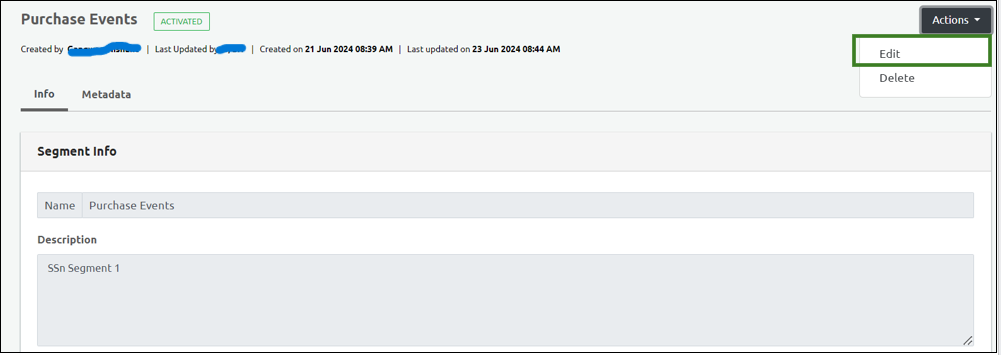
- You can edit the details in the Info and the Data Elements section and click Save to save the changes.