Add a New Segment
To add a new segment in Ingest Labs, perform the following steps:
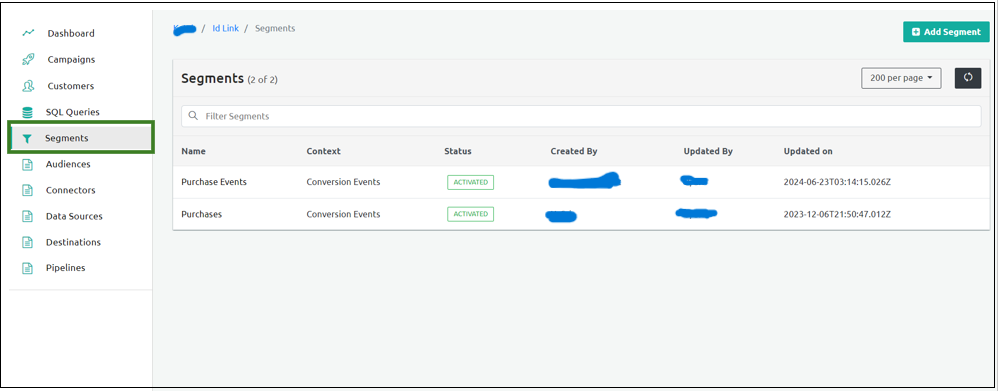
From the left navigation panel, select Segments.
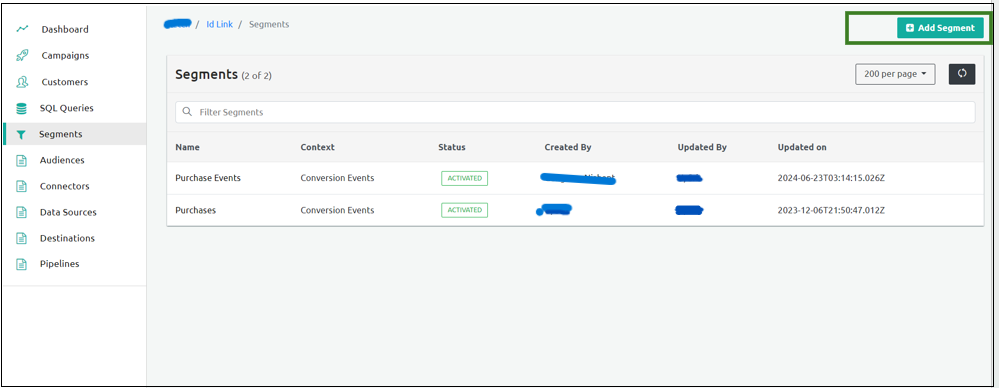
Select Add Segment on the top-right corner of the screen.
Enter the Segment Name in the Name field under the Segment Info section.
Enter the Description of the segment.
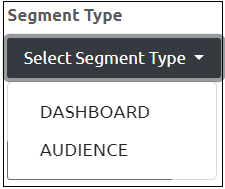
Select the Segment Type from the Segment Type Dropdown menu.
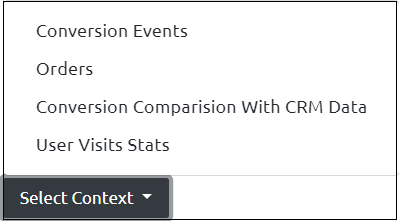
Select the context from the Context Dropdown menu.
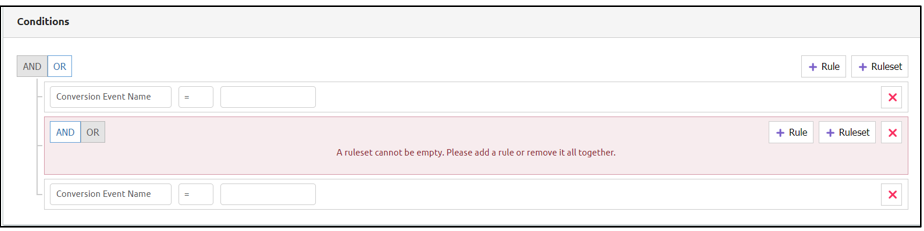
Add the conditions using the Rules and Ruleset options using the and and or options.
Select the start and end dates from the Date Range section if you select Audience. Skip this step if you select Dashboard segment.
Select the Rules and the Ruleset from the Conditions section. You need to select at least one condition.
Click Save to save the segment details.