Pipelines Screen
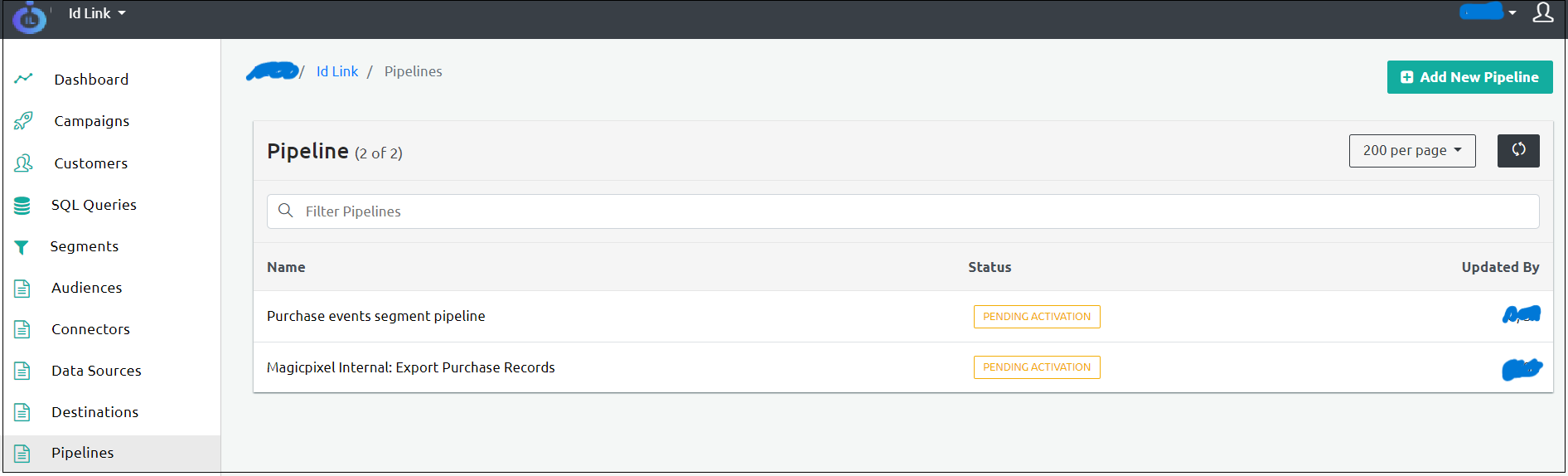
This section describes the Pipelines screen UI elements.
Filter Pipelines
Using the Filter Pipelines option, you can filter the pipelines based on the following types:
- Filter By Name: Filters the pipeline based on the pipeline name.
- Filter By AttributeValue: Filters the pipeline based on Attribute Value.
Clear Search
The Clear Search option resets the applied filter criteria.
The following are the additional fields that appear on the pipelines screen.
| Column Name | Description |
|---|---|
| Name | Denotes the pipeline name. |
| Status | Denotes the status of the Pipeline. - Activated: The pipeline is activated. - Pending Activation: The Pipeline is pending activation. |
| Updated By | Denotes the user who updated the Pipeline. |