Delete a Pipeline
To delete a newly created pipeline with a pending activation status, perform the following steps:
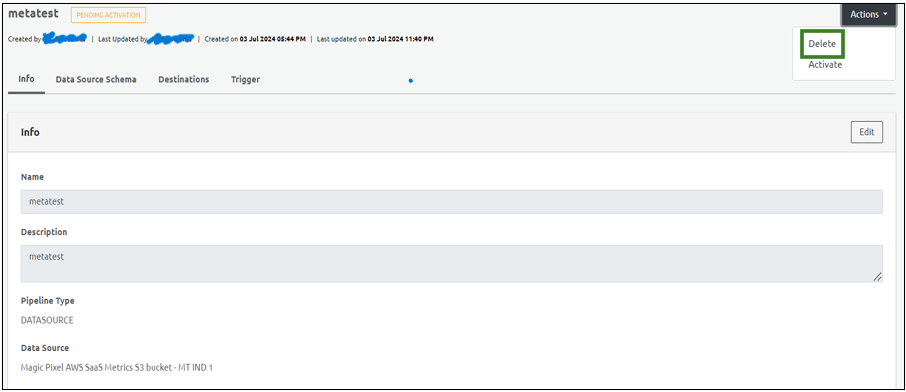
Select the pipeline that you want to delete.
Select Delete from the Actions drop-down menu on the top right corner.
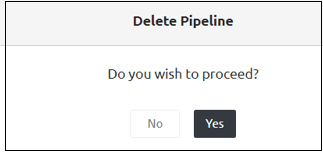
- Click Yes on the confirmatory message that appears.
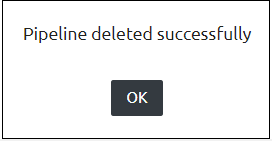
Step Result: The pipeline is deleted successfully.
Note: An activated pipeline cannot be deleted since it has dependencies in CDP.