Add a New Pipeline
To add a new pipeline in Ingest Labs, perform the following steps:
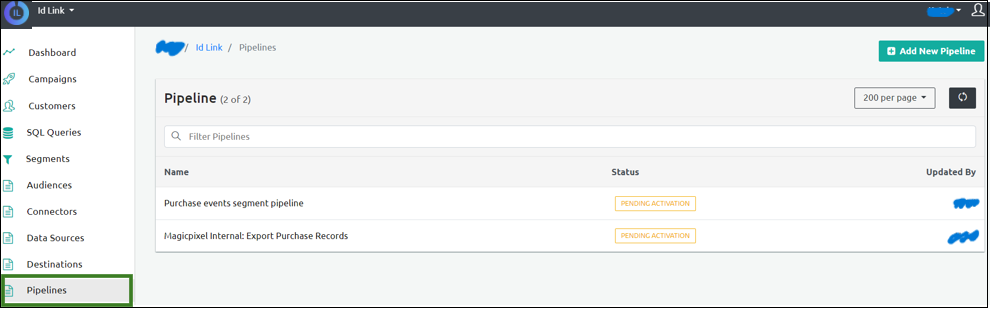
From the left navigation panel, select Pipelines.
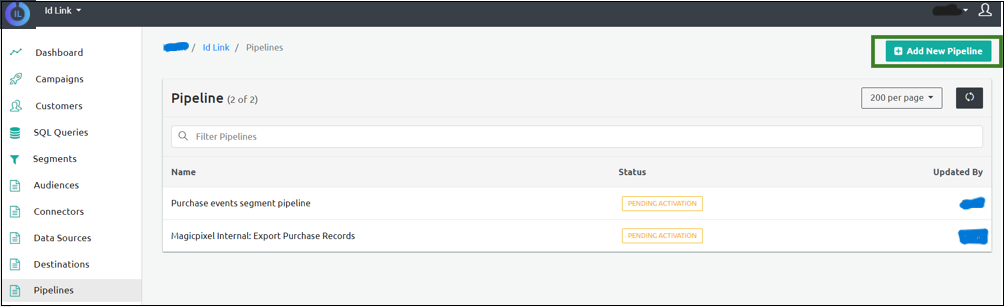
Select Add New Pipeline on the top-right corner of the screen.
Enter the pipeline Name in the Name field in the New Pipeline Info section.
Enter the Description of the pipeline.
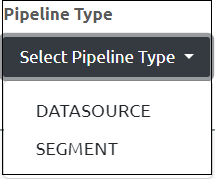
Select one of the following pipeline types from the Pipeline Type Dropdown menu:
- Data Source
- Segment
Select the Datasource or the Segment from the next dropdown menu.
Click Save to save the pipeline details.
Step Result: The Pipeline details are saved.