Delete Destination
You can delete an existing destination using this option.
Perform the following steps to edit the Destination:
From the left navigation panel, select Destinations.
Click the destination you want to delete.
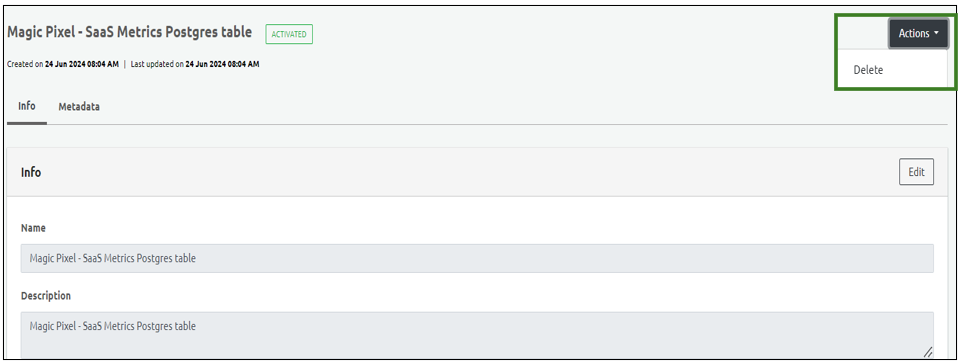
From the Actions dropdown menu, select Delete.
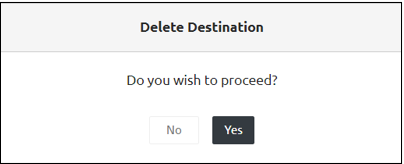
Click yes on the confirmatory message.
Step Result: The Destination is successfully deleted.