Add a New Destination
To add a new Destination in Ingest Labs, perform the following steps:
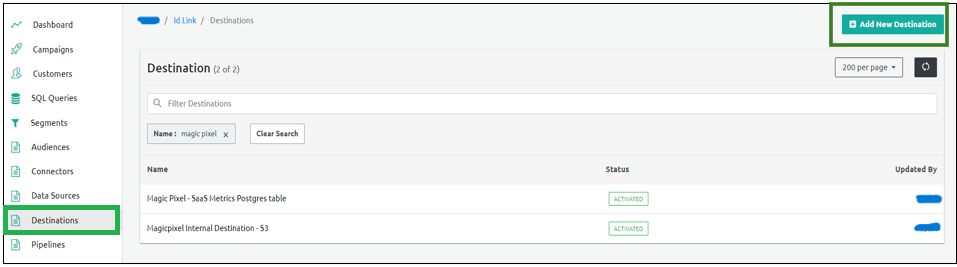
From the left navigation panel, select Destinations.
Select Add New Destination on the top-right corner of the screen.
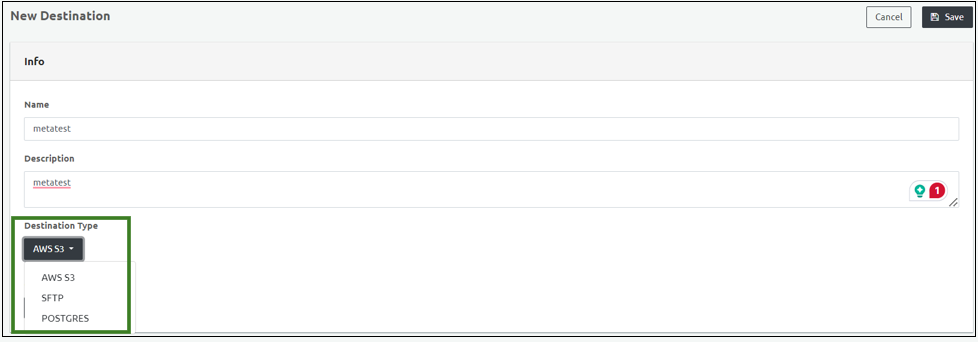
Enter the Destination Name in the Name field in the New Destination Info section.
Enter the Description of the Destination.
Select a destination type from the Destination Type Dropdown menu:
Select a connector from the Connector dropdown menu. This is based on the Destination Type.
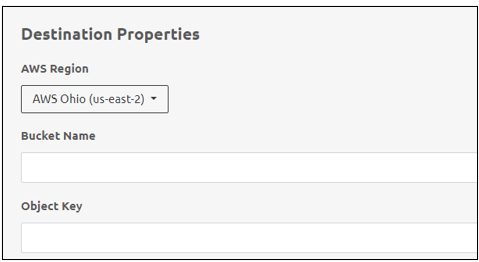
Add the following Destination Properties:
| Item Name | Description |
|---|---|
| AWS Region | Denotes the destination region. |
| Bucket Name | Denotes the name of the Destination Bucket |
| Object Key | Denotes the object key of the destination and is provided by the client. |
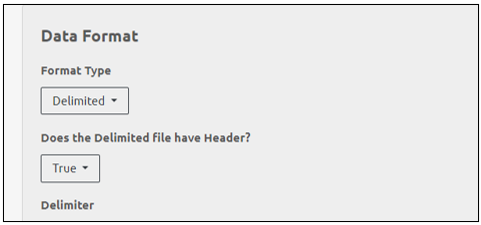
- Add the following Data Format:
| Item Name | Description |
|---|---|
| Format Type | Select this option to set the format of the data to be sent to the destination: |
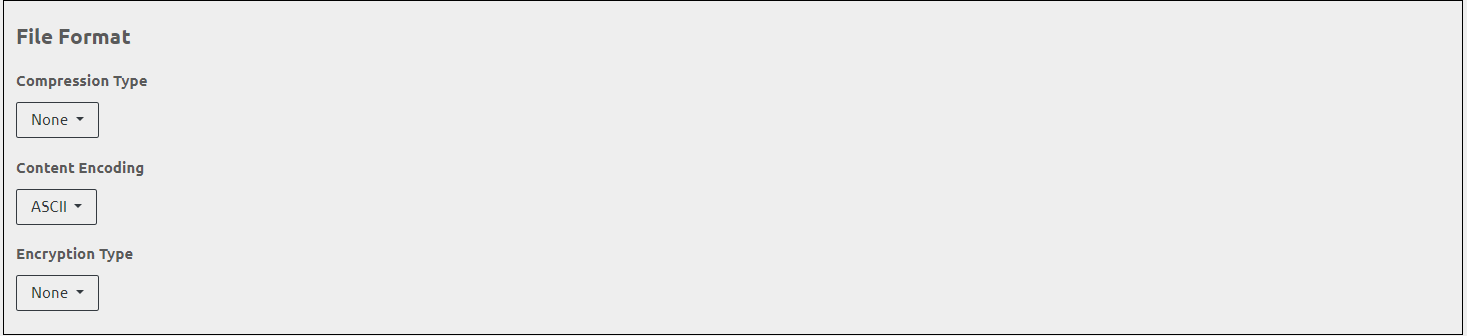
- Add the following File Format:
| Item Name | Description |
|---|---|
| Compression Type | Select the compression format to be uploaded to the destination. |
| Content Encoding | Select the content encoding from this dropdown menu. |
| Encryption Type | Select the encryption type to encrypt the data. Add the Encryption Key. Select 'None' if no encryption required. |
- Click Save to save the Destination details.