Edit Data Source
Edit an existing data source using this option.
Perform the following steps to edit the Data Source:
From the left navigation panel, select Data Sources.
Click the data source you want to edit.
Click Edit to the right of the screen.
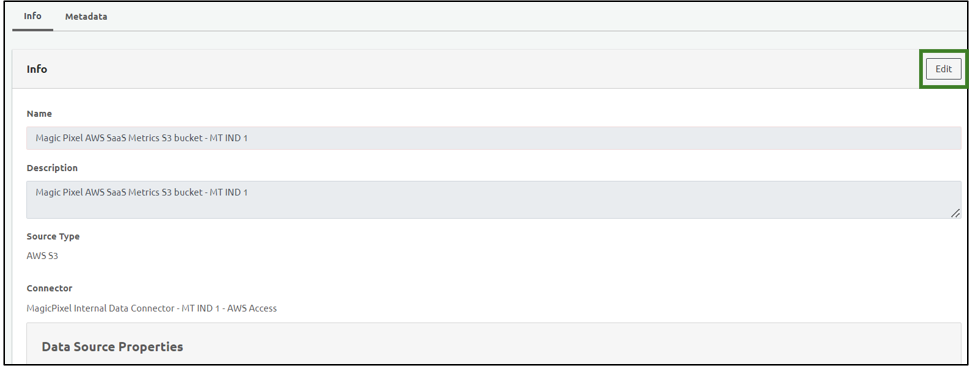
Note: You can edit the Data Source Properties including the Data format and the file format.
You cannot edit the Info section including the Name, Description, Source Type and the Connector.
To edit the metadata of the data source, click Metadata.
Click Edit
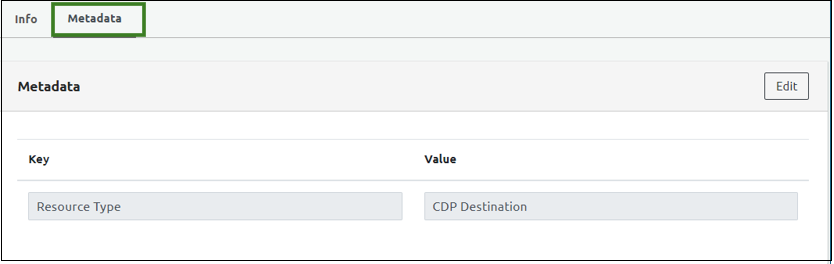
Add Keys and value to the Metadata.
Click Save