Edit a Connector
You can edit the Target System, the destination, the properties and the metadata of a connector using this option.
To edit a Connector in Ingest Labs, perform the following steps:
From the left navigation panel, select Connectors.
Select Properties.

Select a destination to export the data from the Target System dropdown menu.
Select the target type from the Type dropdown menu.
Select the Properties. This includes the following:
- Host
- Port
- Database
- Username
- Password
- SSL: True or False
- SSL Mode:
- Disable
-Verify-CA
-Allow
-Require
-Prefer
-Verify Full
NOTE: The password is masked. The user can change the password.
Click Save to save the changes.
Edit the Metadata.
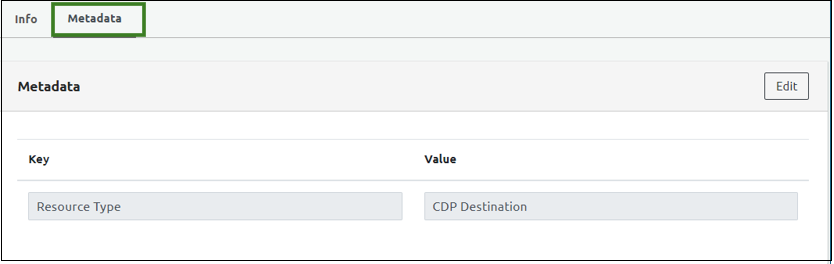
Edit the Key. The existing Value Destination will remain unchanged.
Note : You can add more keys and value destinations.
Click Save to save the Connector details.